
Download Classic Free Cell – free cell, solitaire, card game, classic games, free games, free solitaire, classic solitaire, free card game
Overview
Classic Free Cell ofrece una experiencia nostálgica y refinada de solitario diseñada para usuarios móviles modernos. Creado como una adaptación digital del reconocido juego de cartas, conserva la mecánica central y la identidad visual de sus predecesores de escritorio. La aplicación sirve como una herramienta fiable para el entretenimiento casual, ofreciendo un formato familiar que atrae tanto a entusiastas de larga data del solitario como a recién llegados que exploran juegos de cartas clásicos. Al centrarse en la autenticidad, responde a la necesidad de un entorno de juego sencillo y sin distracciones donde la estrategia y el reconocimiento de patrones son protagonistas.
El juego es particularmente adecuado para usuarios que buscan un pasatiempo de bajo presión y mentalmente estimulante durante los desplazamientos, descansos o noches tranquilas. Su premisa simple—organizar cartas en orden ascendente por palo dentro de cuatro montones de fundación—requiere planificación cuidadosa y previsión, lo que lo hace ideal para quienes disfrutan de desafíos cerebrales sin interfaces complejas. El desarrollador, Classic Free Cell, no ha proporcionado detalles de fondo adicionales, pero el diseño consistente y el enfoque funcional de la aplicación sugieren un esfuerzo dirigido a replicar la jugabilidad original con mínima desviación.
Dentro del ecosistema de aplicaciones móviles, Classic Free Cell ocupa un nicho para experiencias de solitario puras y sin adulterar. Se destaca en un mercado saturado al priorizar la simplicidad y la tradición sobre animaciones llamativas o compras dentro de la aplicación. Esto la convierte en una utilidad valiosa para usuarios que valoran la autenticidad y la fiabilidad en sus opciones de juego. Ya sea usado como ejercicio mental o como una pausa relajante, la aplicación mantiene una presencia constante en los segmentos de productividad y ocio del uso de smartphones.
Key Features & Functionality
- Nostalgic Graphics: The app features a minimalist visual design reminiscent of early desktop solitaire versions. Card suits, backgrounds, and layout are styled to reflect classic aesthetics, offering a sense of familiarity that enhances user comfort and recognition.
- Traditional Scoring System: Players can track their performance using a standard solitaire scoring method. This system rewards efficient play and encourages repeated attempts to improve personal bests, adding a layer of long-term engagement.
- User-Friendly Interface: Navigation is streamlined with intuitive touch controls. The layout is clean and uncluttered, allowing users to focus on gameplay without distraction. Even first-time players can quickly understand how to move cards and manage the tableau.
- Strategic Gameplay: The game’s rules require careful planning, as each move affects future possibilities. Players must analyze sequences, manage temporary storage in the free cells, and anticipate future moves—making it a mentally stimulating experience.
- On-the-Go Play: As a lightweight mobile app, Classic Free Cell enables instant access to gameplay anytime and anywhere. No downloads or setup are required beyond installing the app, making it a convenient companion for idle moments.
For example, a user waiting in line can start a game in seconds and complete it within minutes. Similarly, a seasoned player might use the app to test new strategies or maintain their solitaire rhythm during travel. The combination of accessible controls and deep gameplay ensures broad appeal across age groups and experience levels.
Interface, UX & Performance
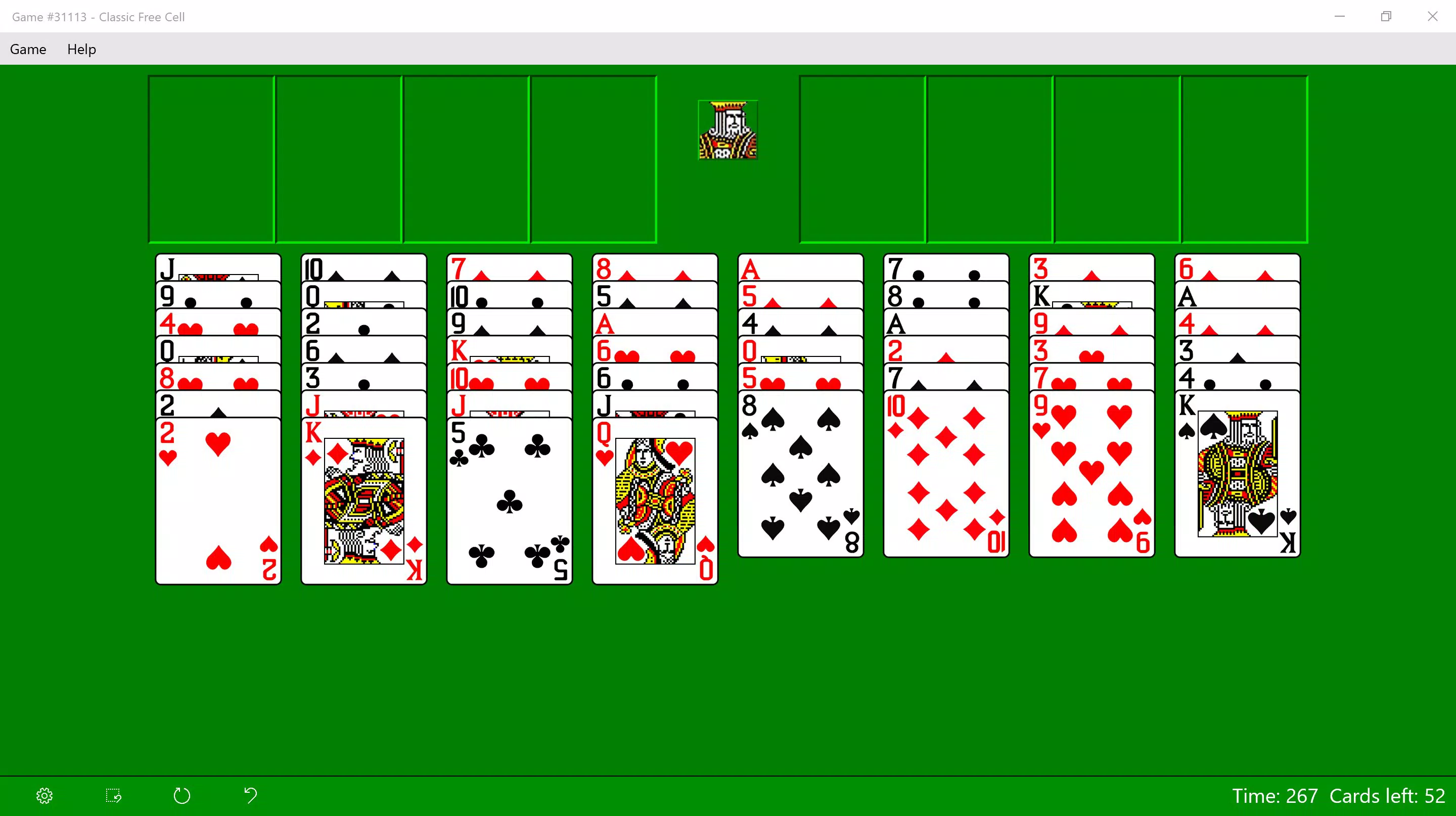
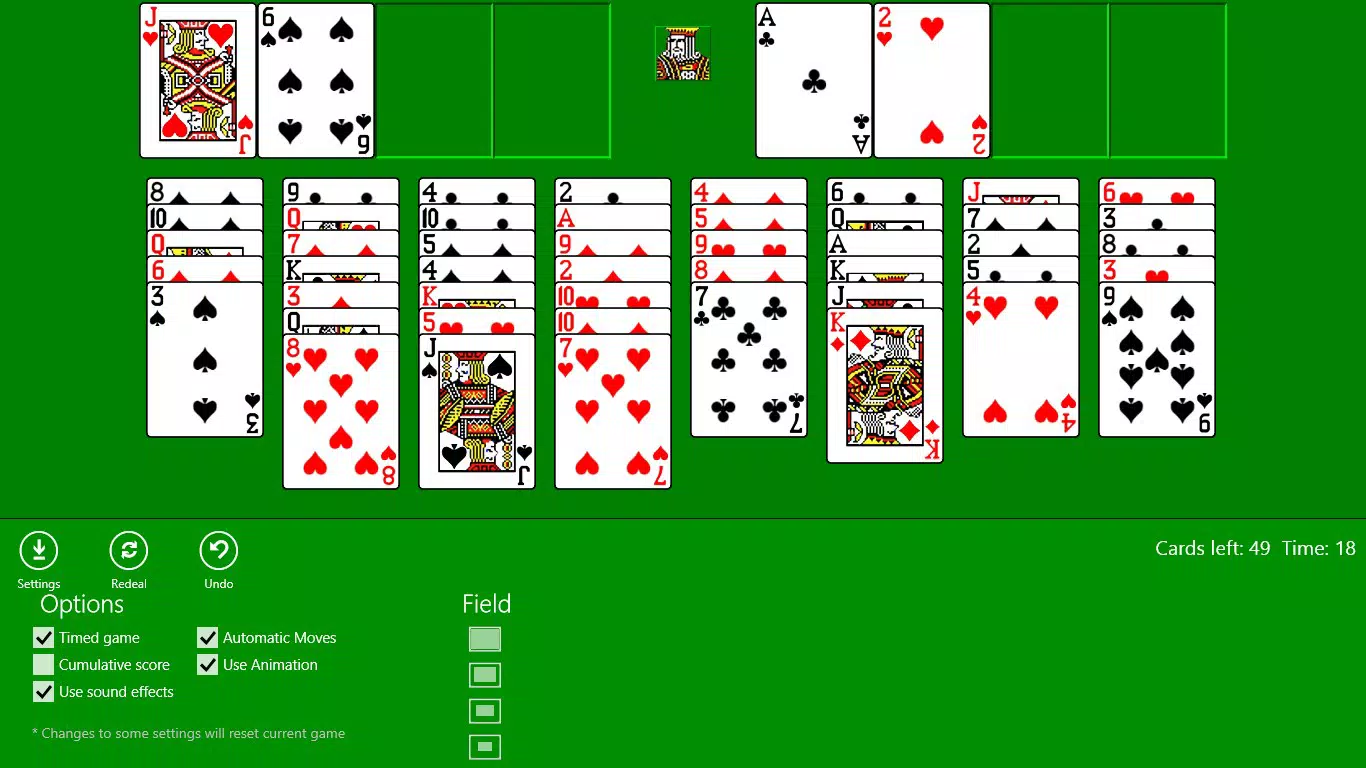
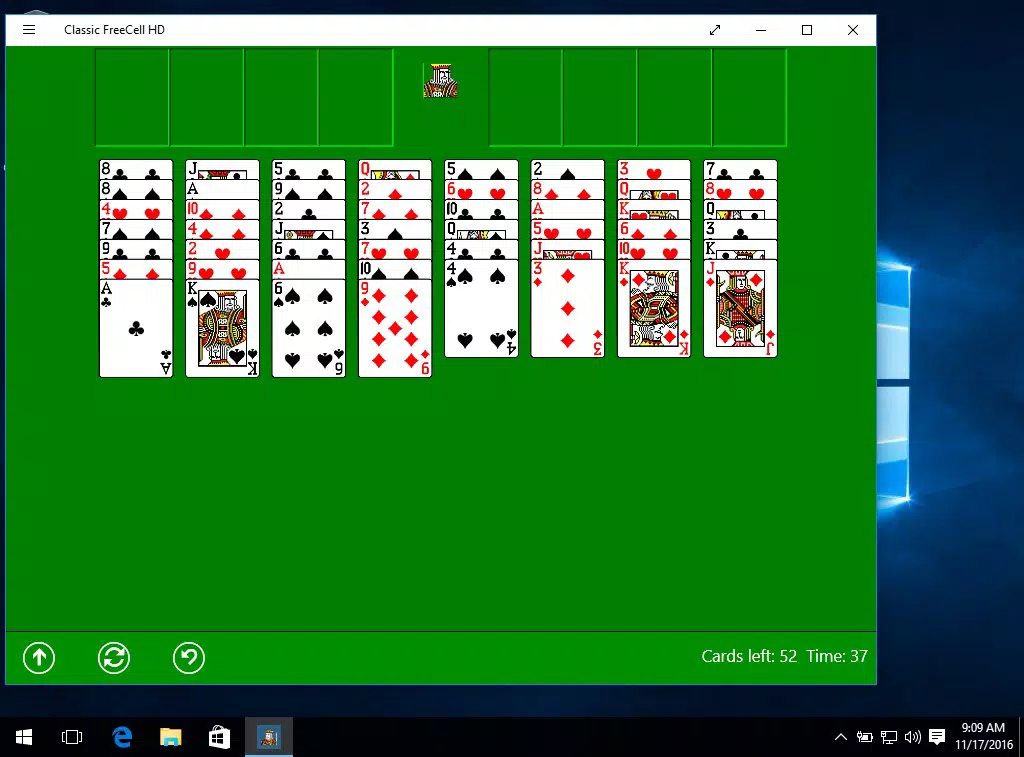
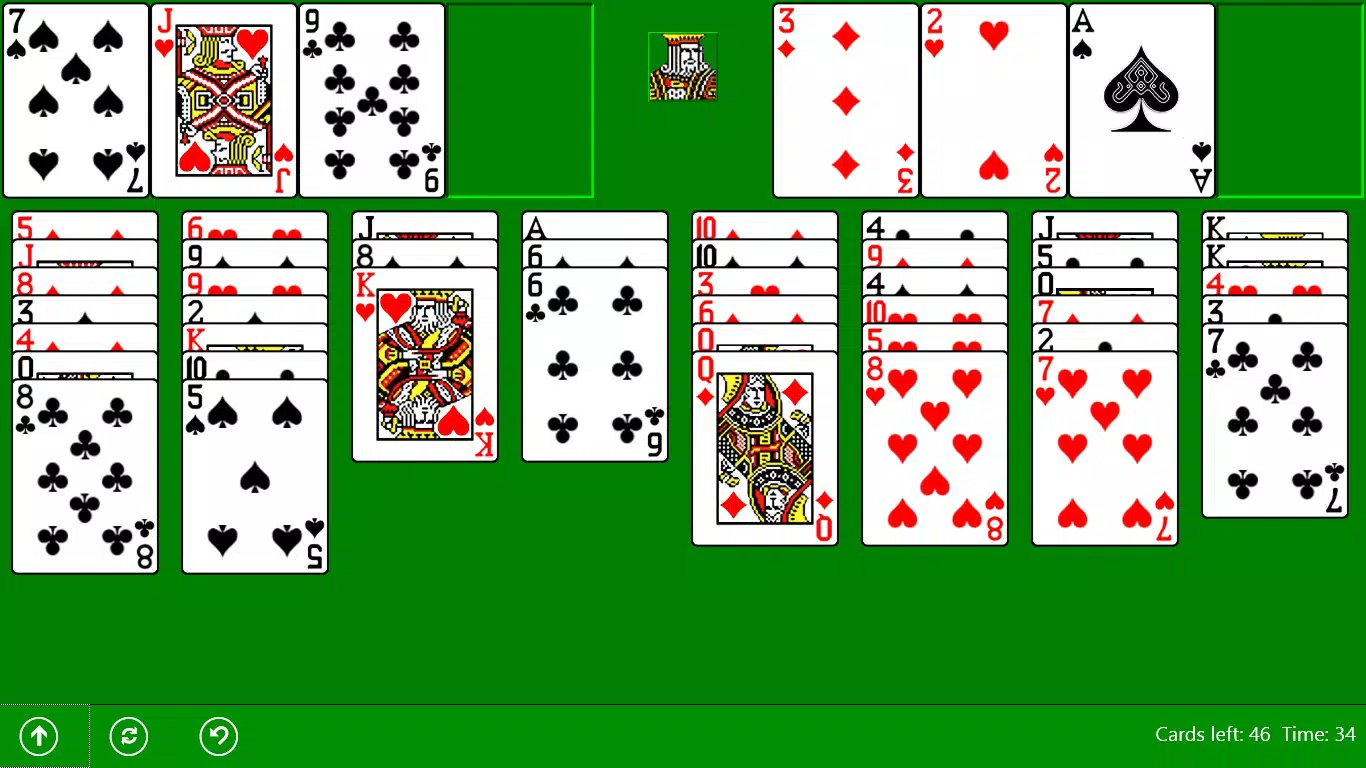
The user interface of Classic Free Cell is designed with clarity and simplicity in mind. The layout follows a standard solitaire structure, with four foundation piles at the top, eight tableau columns below, and four free cells positioned near the foundation area. Card placement and movement are handled via tap-and-drag gestures, which respond smoothly to touch input.
Visual style remains consistent with the app’s nostalgic theme—minimalist, monochromatic, and focused on legibility. The card backs, suit indicators, and background colors are carefully chosen to reduce visual fatigue during extended play sessions. Navigation is direct: users interact only with the cards and the game board, with no unnecessary menus or pop-ups.
Although the developer did not list formal performance metrics, the app’s file size of 12.4 MB suggests optimized resource usage. It is likely to run efficiently on a wide range of Android devices, including mid-tier and older models. Responsiveness appears to be strong, with minimal lag during card movements and transitions. Stability is expected to be high, given the app’s uncomplicated architecture and lack of background processes.
Platform Compatibility & Technical Requirements
Classic Free Cell is available exclusively on the Android platform. The current version is 1.2.1, and the app occupies 12.4 MB of storage space. This lightweight footprint ensures compatibility with most Android devices, including those with limited memory or older processors.
The developer did not specify minimum OS requirements, so users should ensure their device meets general Android compatibility standards. No additional permissions or hardware features are required, making it accessible to a broad audience. The app does not rely on internet connectivity for core gameplay, allowing full functionality in offline mode.
Pros and Cons
- Lightweight design with minimal storage usage
- Authentic recreation of classic solitaire mechanics
- Simple, intuitive interface suitable for all ages
- Offline play without internet dependency
- Traditional scoring system for performance tracking
- No multiplayer or social features included
- Limited customization options for visuals or gameplay
- Developer did not provide update frequency or changelog details
- No advanced tutorials or learning aids for new players
- Platform restricted to Android only
FAQ
Is Classic Free Cell free to download and use?
Yes, the app is available at no cost. There are no in-app purchases or subscription fees reported.
Can I play Classic Free Cell offline?
Yes, the game does not require an internet connection to function. All gameplay is processed locally on the device.
Is the app safe to install on Android devices?
As a free mobile app from a recognized developer, Classic Free Cell is considered secure. It does not request unnecessary permissions, and its file size indicates minimal risk.
Does the app support different screen sizes?
While specific compatibility details were not disclosed, the app’s lightweight and adaptive design suggests it is optimized for various Android screen dimensions.
How often is Classic Free Cell updated?
The developer has not provided information on update frequency or release schedules.
Final Thoughts
Classic Free Cell offers a refreshingly authentic take on a beloved card game, combining the charm of retro design with modern accessibility. Its emphasis on simplicity, strategic depth, and offline functionality makes it a standout choice for users who value pure gameplay over gimmicks. Whether you're revisiting childhood memories or discovering solitaire for the first time, this app delivers a satisfying and consistent experience.
For those seeking a reliable, free solitaire tool that runs smoothly on Android, Classic Free Cell is an excellent option. It’s ideal for casual gamers, older users, and anyone looking to unwind with a classic challenge. The app’s lightweight nature and lack of intrusive elements further enhance its usability.
Download Classic Free Cell now


